01
Bring it in.
Start with the PowerPoint you already have. Import a PPTX deck and its slides.

Your pitch is more than a fixed slide order. Arrange topics on a board, jump to what the room needs next, and present from there.
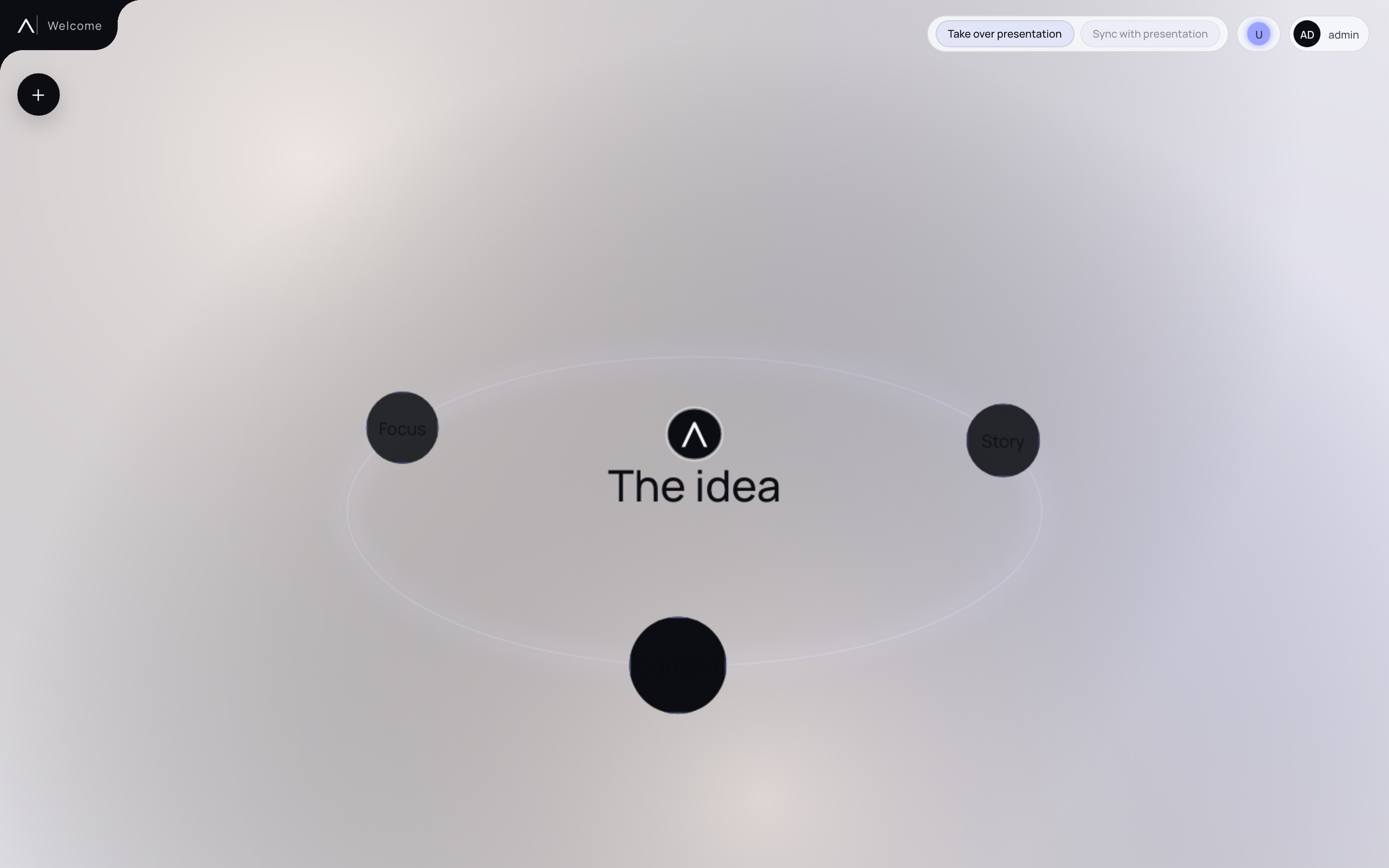
Open workspace The idea
A board becomes a story. Follow an idea from the network through the orbit and into an open slide.
Topics and connections live on one board. See the whole pitch at once.
The camera moves to the selected node. Its context stays anchored in space.
Slides and small nodes move along a shallow orbit around the idea.
A slide opens for presenting. From there, you can return to the board.
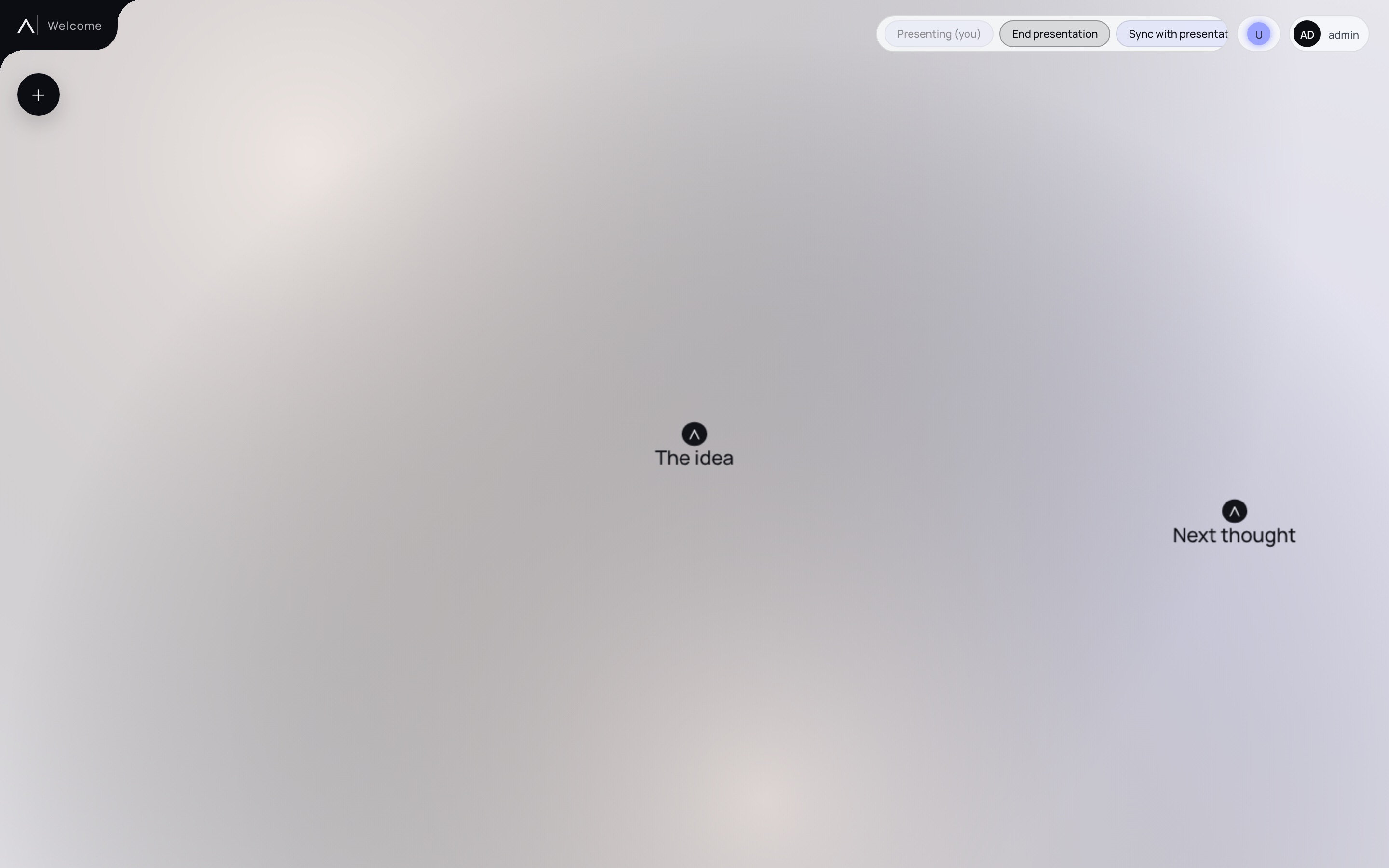
Real screens from Aurovy — the topic board, a spatial jump, and presentation with presence.
Aurovy connects the material you already have with the freedom to tell it differently.
Start with the PowerPoint you already have. Import a PPTX deck and its slides.
Arrange topics and slides on the board. Connections become paths you can follow.
Present from the board. Leave the fixed order behind and jump to the topic the conversation needs.
Presenting is no longer locked to a slide sequence. Hop from topic to topic as fast as the room moves.
Focus a topic, open its orbit, and keep the rest of the board one jump away. The narrative follows the conversation — not a preset click path.
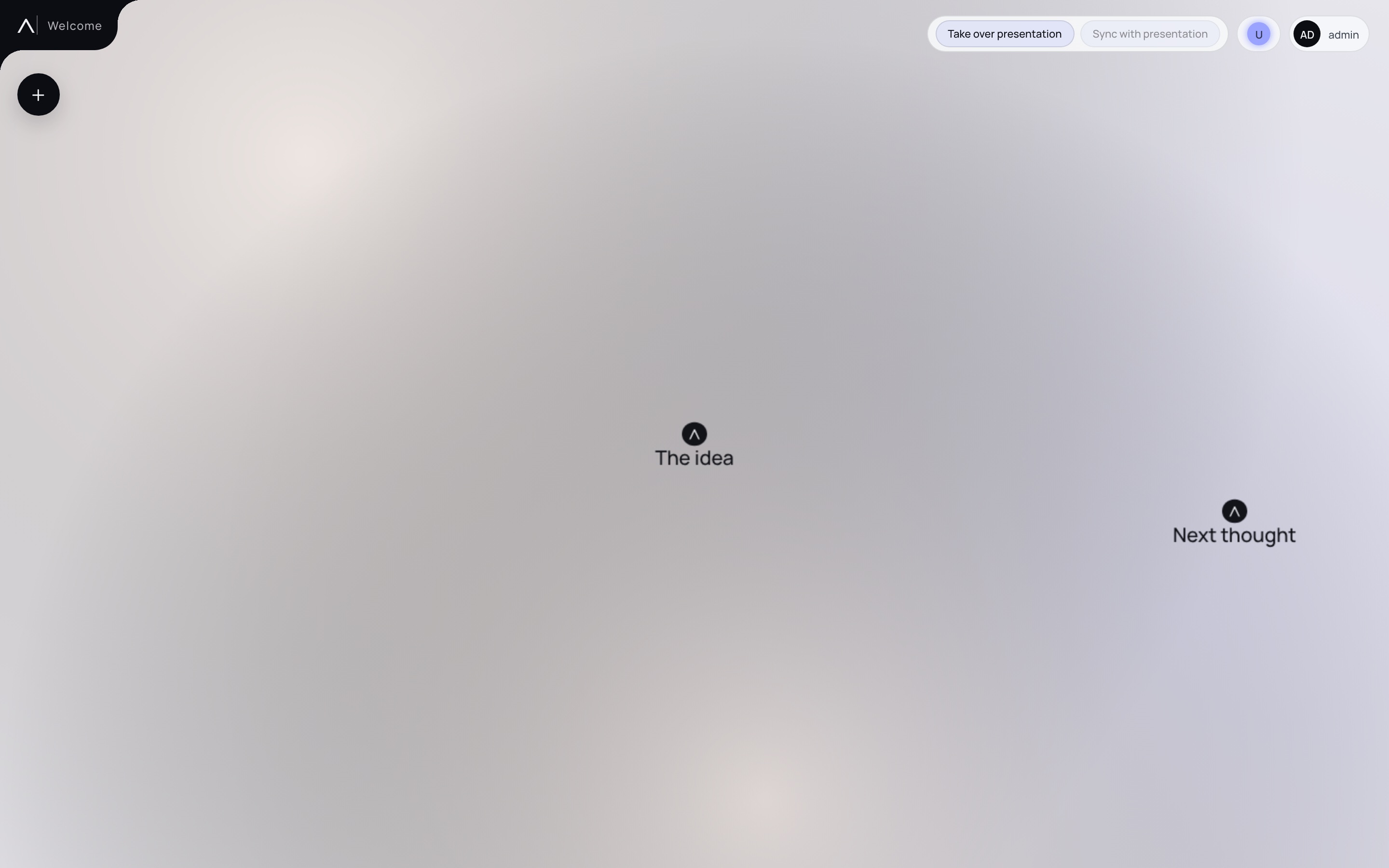
See who is on the board. Share the camera when you present.
Presence shows who is with you. Take over presentation or sync with the presenter so everyone follows the same view — useful in the room and remote.
The pitch assistant helps you find relevant slides in your material. Its suggestions lead back to the board, where you present.
Sign in and give your story room.
Sign in